Chery International Home Page Development
Type:
Front-end development
Skills:
HTML, CSS, JavaScript
Context:
Front-end development Internship project
Time:
May 2023
This project is a practice project my supervisor gave me when I just got into the position. The task is to develop the homepage of Chery International based on design documents provided by designers. Extensive research and tests were applied in this project. Although this project serves no real purpose, it introduced me to industry standards and common technologies used by the corporation and tested my trouble-shooting skills in web development.
Gain:
Gained hands-on experience in various web development skills such as Swiper Slider plugin and CSS animation. Practiced my trouble-shooting skill and gained confidence in my self-learning ability.
Demo:

PC and Mobile
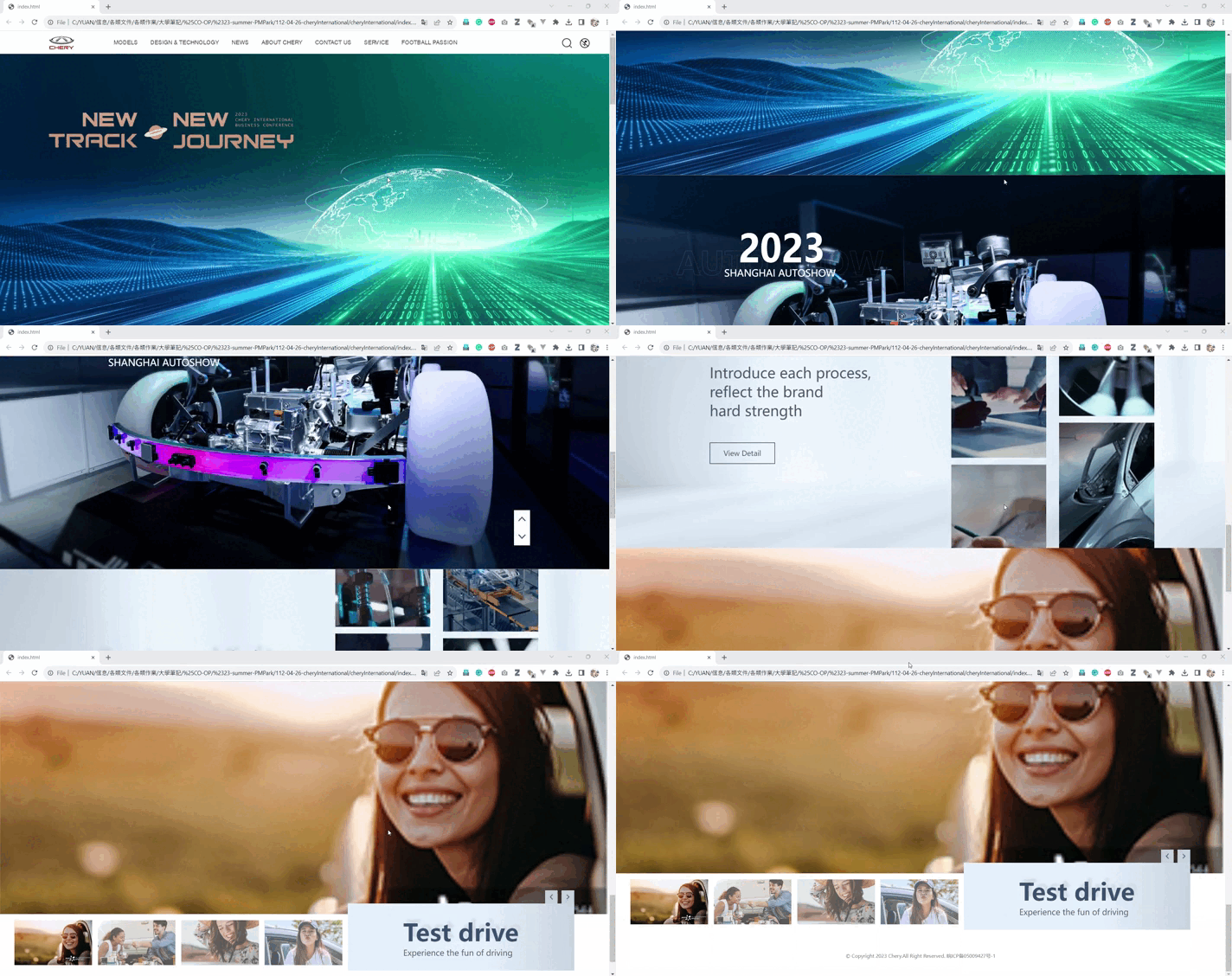
Site Overview
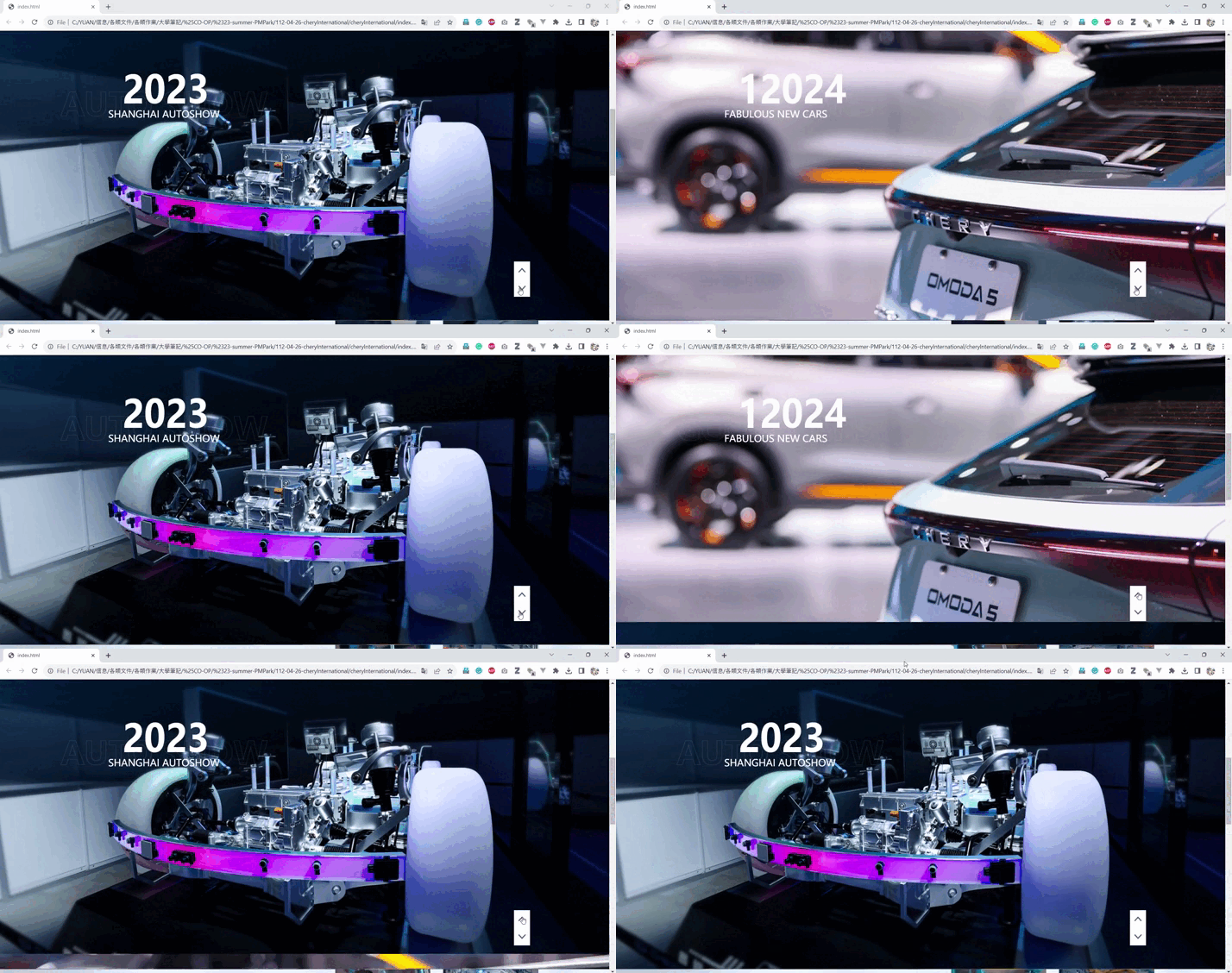
Number animation
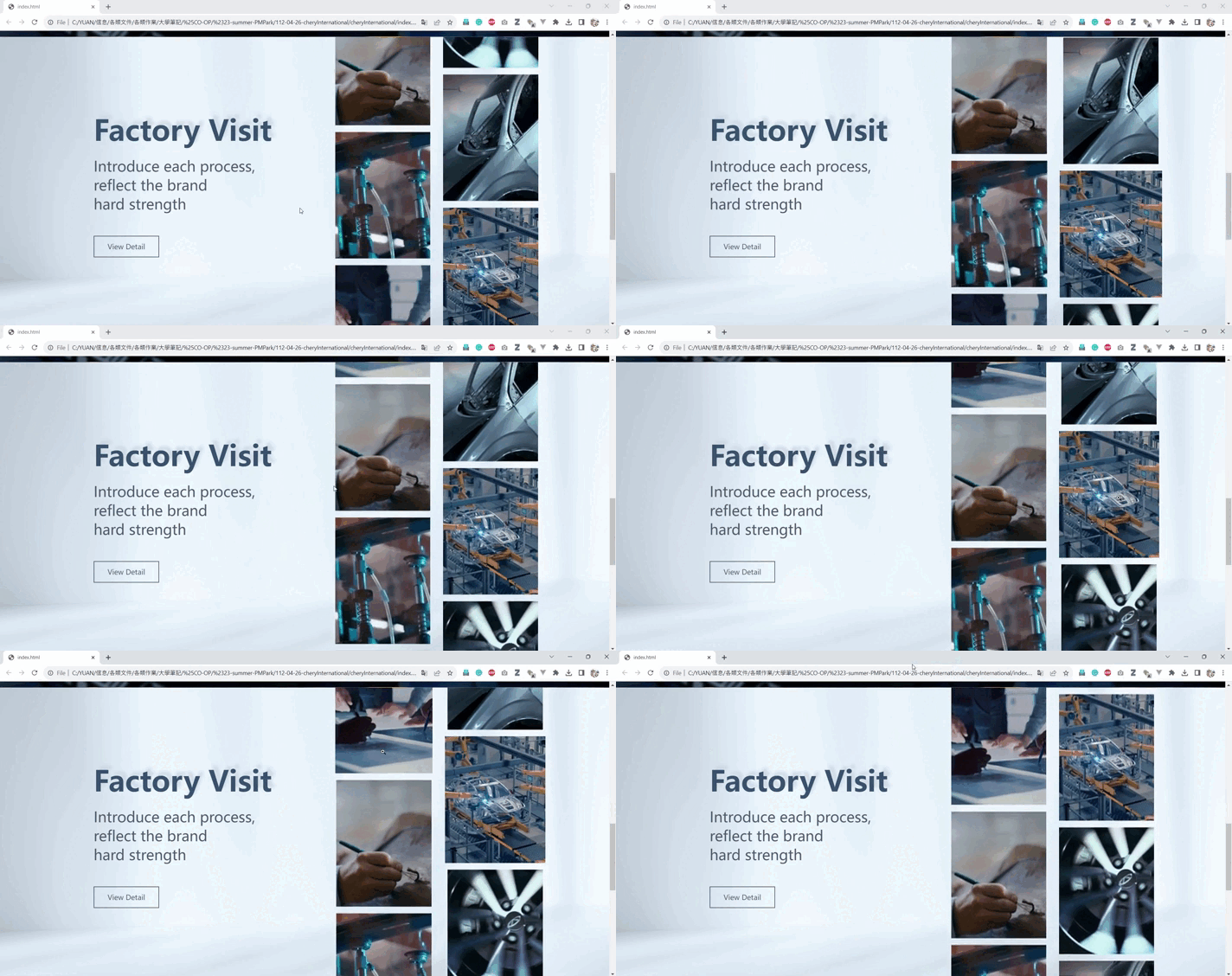
Factory visit animation

Test drive slider (note. images are rough placeholders)
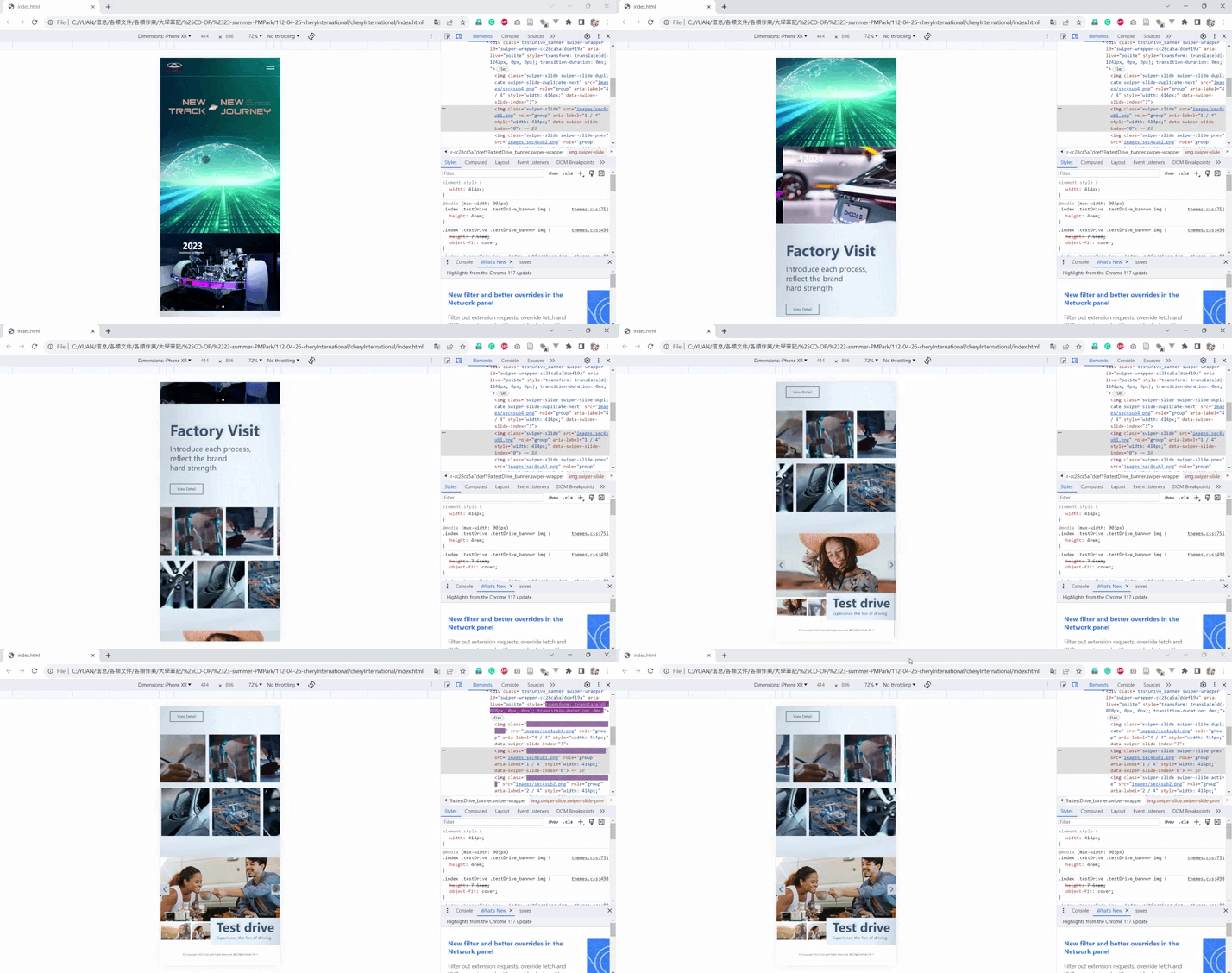
Mobile overview
Process/Challenge:
I encountered four main challenges in this project.
Bridging with company standards
Other than coding style standards, the company also has a variety of self-developed plugins that are used to maintain layout consistency and quality. Because I wasn’t aware of those plugins, it was very challenging to get my work aligned with their standards at first. After communicating with my supervisor and studying examples from previous projects, I integrated those plugins into my work and quickly adapted to those new standards.
Learning Swiper Plugin
The Chery International homepage design provided by designers has several slider features involved. Swiper.js plugin is commonly used to realize slider features according to my supervisor, however I didn’t have any experience with this plugin as I never find the use of slider necessary in my school or personal projects. After viewing the official documentation of Swiper.js, I was able to build basic Swiper slides in a short time.
https://swiperjs.com/swiper-apihttps://swiperjs.com/demos
Animations and effects that cannot be achieved with Swiper
Although it didn’t take much time for me to master fundamental Swiper functionalities, I encountered significant challenges with dealing with effects that aren’t supported by the Swiper plugin, such as the “2023 Shanghai Autoshow” slider transition and the Factory Visit section animation.
Factory Visit Animation
The Factory Visit Animation requires those image columns at the right to move consistently, and when the user hovers over one of the images the affected image column should pause and the hovered image should expand.
I tried to build this feature with Swiper.js, however there are significant glitches when the user hovers over the image. After asking my co-workers and conducting some research, I realized that the Swiper plugin may not be ideal for this feature. I was introduced to CSS powered animations during my research and I decided to apply this new technology instead.
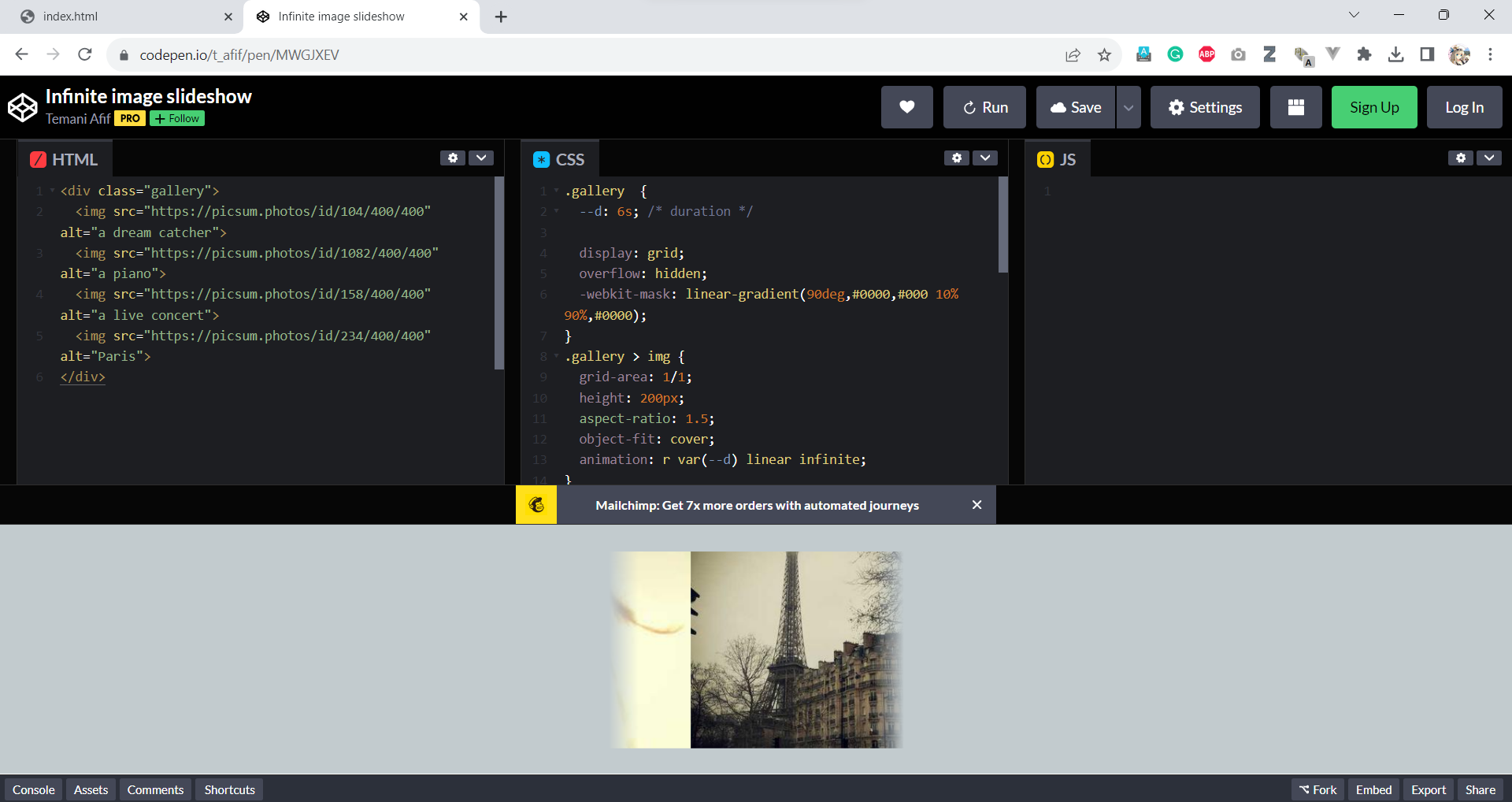
The Codepen demo I referenced after filtering out many unuseful demos and examples
https://codepen.io/t_afif/pen/MWGJXEV
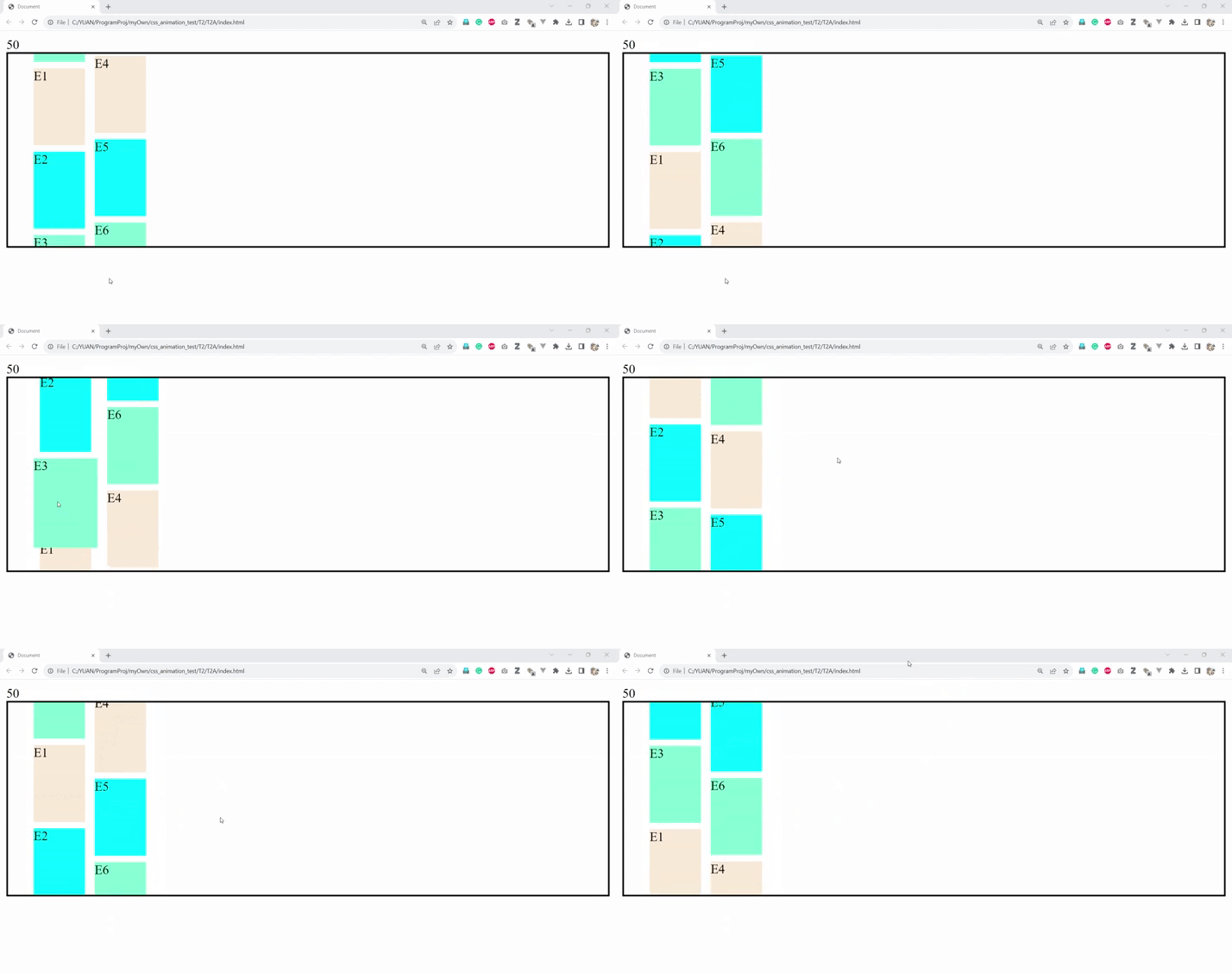
The prototype I built to test this new technology
“Shanghai Autoshow” Number Animation
The numbers on the “Shanghai Autoshow” slide are expected to animate like a slotting machine during slide transition and it is clear that there is no way to achieve this under the Swiper.js plugin. I decided to approach this challenge with the new CSS animation approach that I just used for Factory Visit. It took me some time to find the right resources, but I eventually figured it out.
I tried to build this feature with Swiper.js, however there are significant glitches when the user hovers over the image. After asking my co-workers and conducting some research, I realized that the Swiper plugin may not be ideal for this feature. I was introduced to CSS powered animations during my research and I decided to apply this new technology instead. After studying and testing the demos and videos I found online, I successfully achieved the desired result and gained a deeper understanding towards CSS animation.
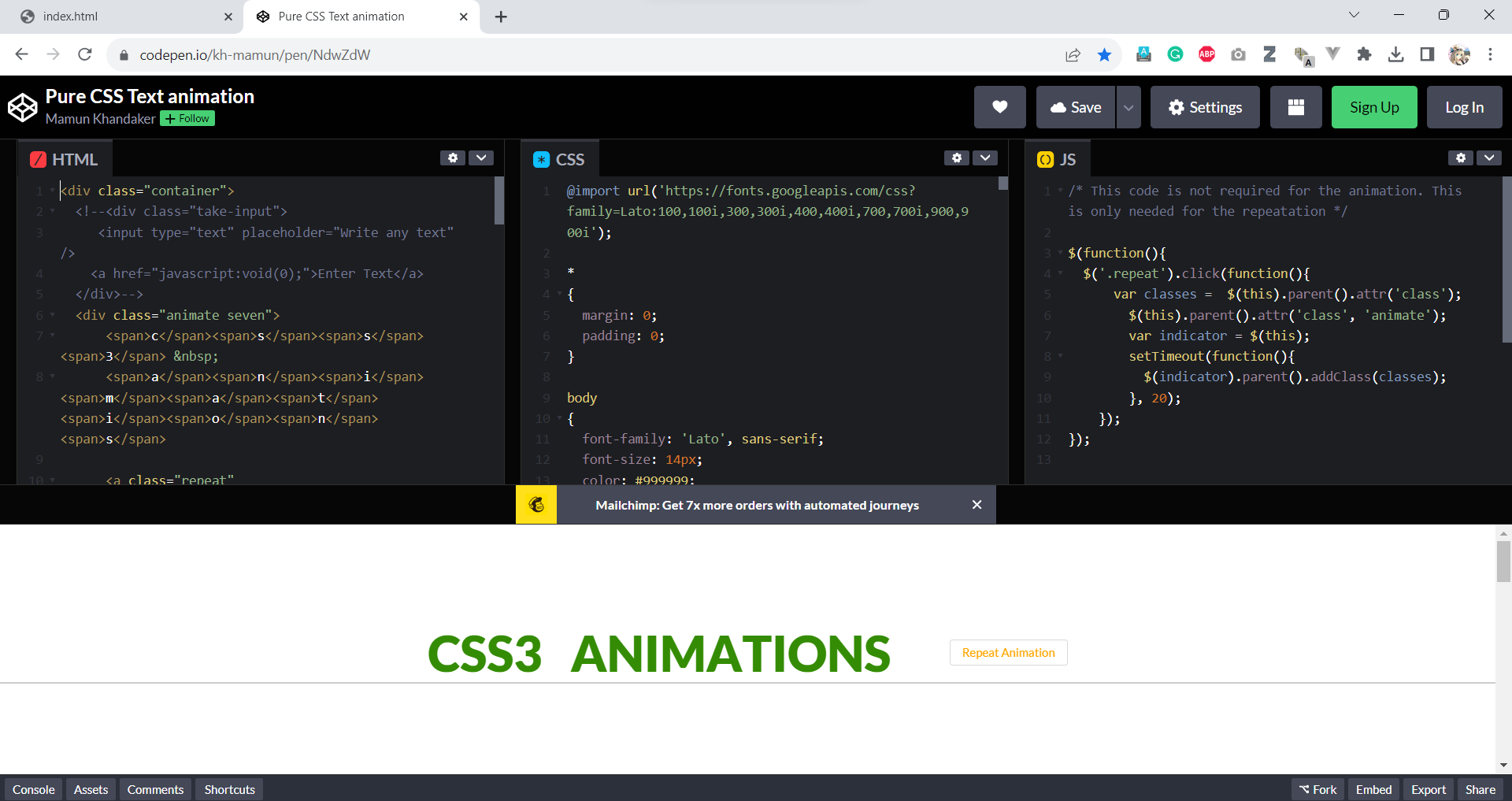
The most useful Codepen demo I referenced for this issue
https://codepen.io/kh-mamun/pen/NdwZdW
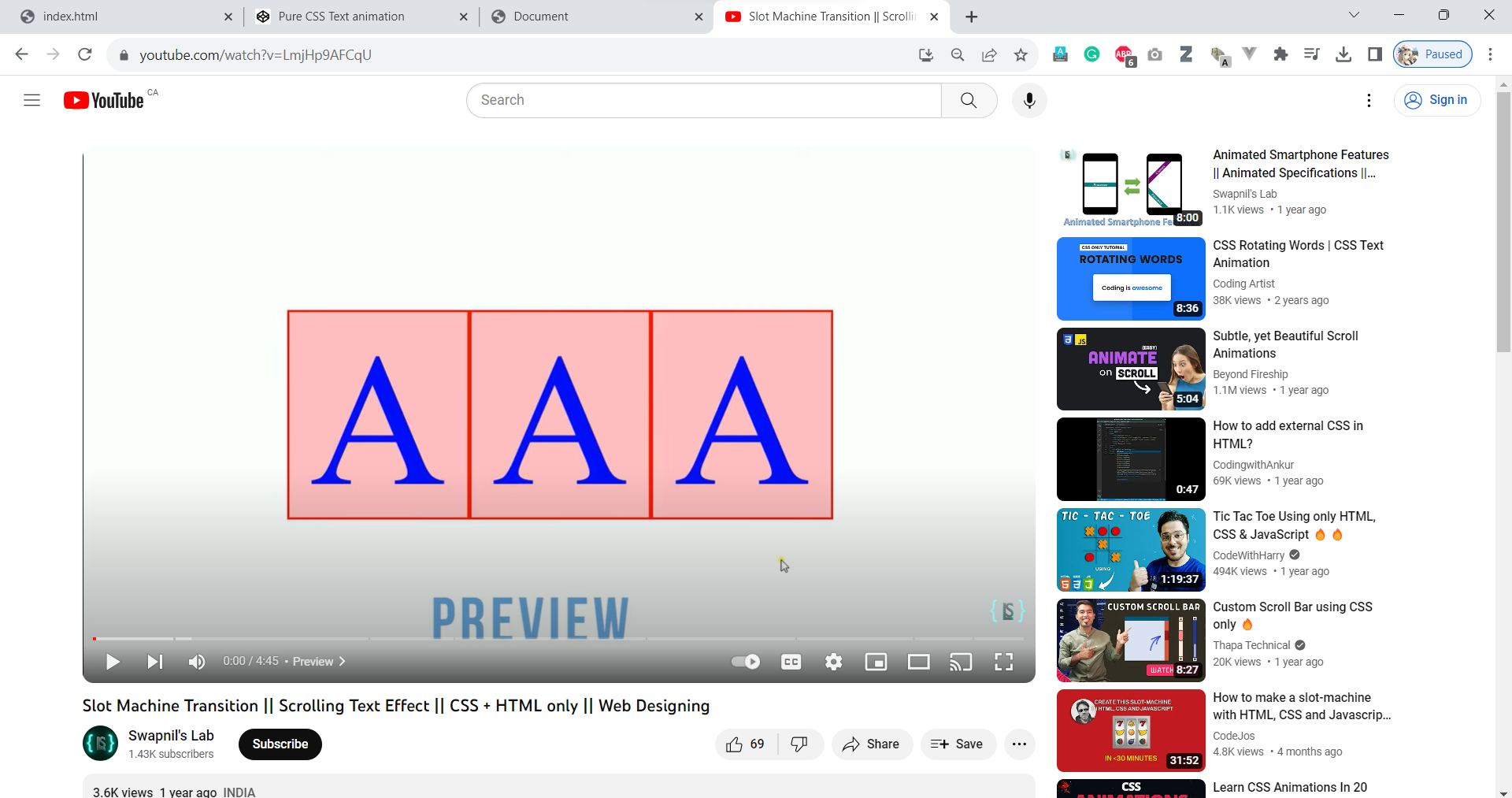
The most useful Youtube video I referenced for this issue
https://www.youtube.com/watch?v=LmjHp9AFCqU
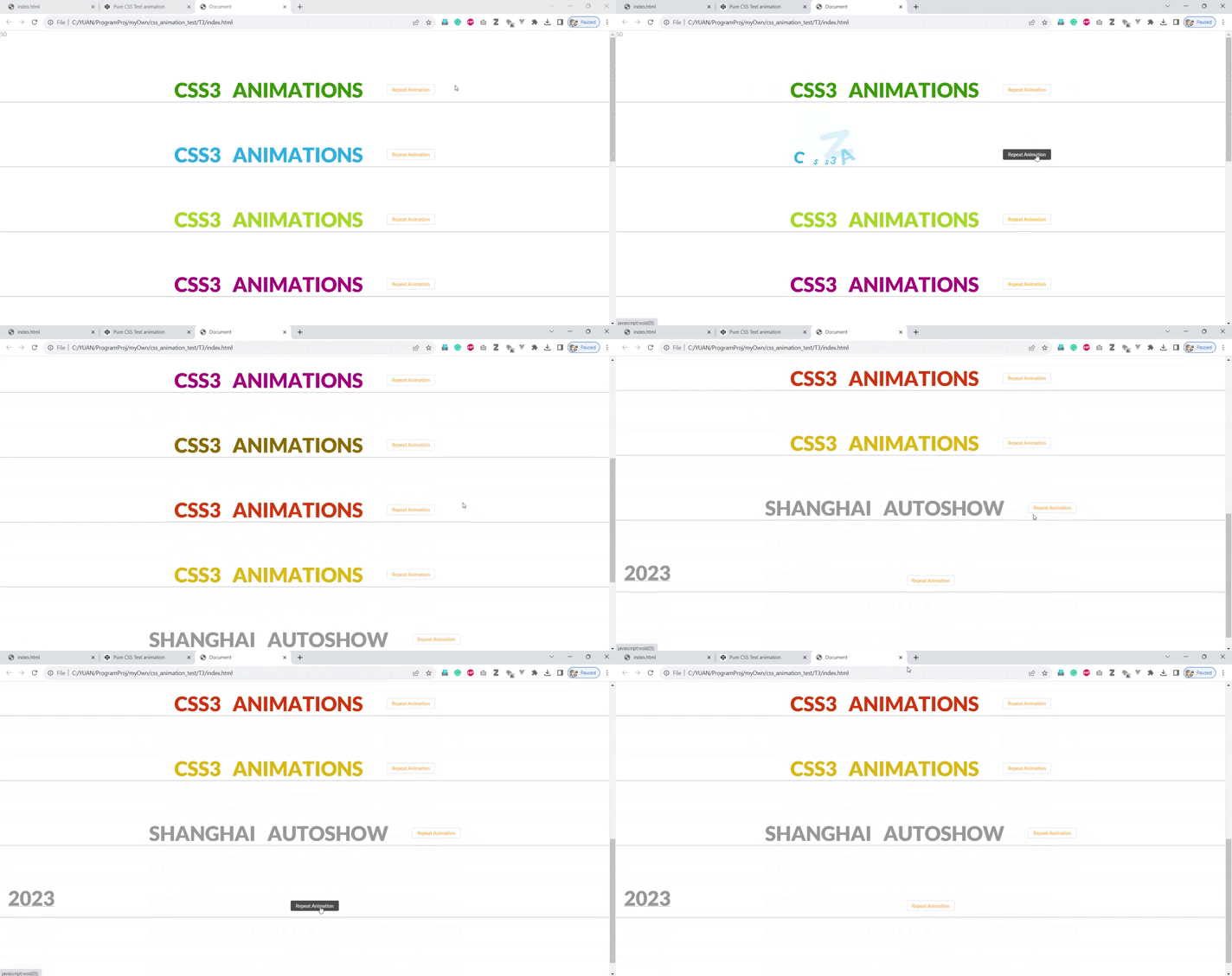
testing environment I set up to test the Codepen demo and the Youtube video mentioned above